
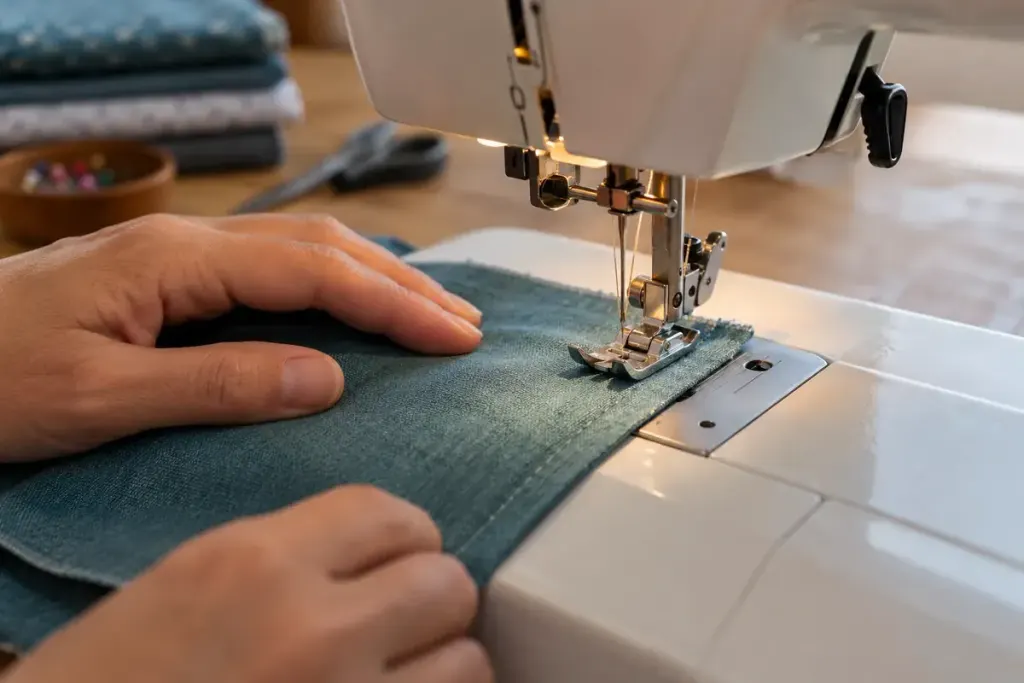
When fabric drags or layers creep apart, the thread-tension dial is an easy suspect. But feeding fabric and balancing the stitch are different jobs. On machines that offer the adjustment, presser-foot pressure changes how firmly the foot holds material against the feeding mechanism.
The available control varies considerably. Some machines have a numbered dial, some use a menu, and others provide no user adjustment. Brother’s pressure-adjustment guidance for a supported machine illustrates why the model manual matters: its numbered settings are instructions for that machine, not a universal scale.
Make the sample resemble the difficult seam
Use scraps of the actual fabric, with the same number of layers and the same direction of stitching. A single flat scrap will not tell you much about a bulky joined seam. Fit an appropriate needle and foot, thread the machine correctly and note the current settings before experimenting.
Mark corresponding start and finish points on both layers. Sew without pulling the fabric through, then compare the marks. Look for stretching, uneven feeding and puckering as separate observations. Also inspect the stitch formation: loose loops are not automatically a pressure problem.
If the manual allows an adjustment, change one small step and sew another labelled sample. Keep the speed and handling similar. Changing pressure, stitch length and thread tension at the same time makes it difficult to identify what helped.
Keep a record that can be reversed
Write the successful setting on the sample with the fabric description. A setting that behaves well on a fine knit may not suit the next woven project. Return the machine to its usual starting setting when the job is finished.
If feeding remains erratic, check the manual’s cleaning and troubleshooting guidance. A pressure dial cannot compensate for every problem with the feed system, an unsuitable accessory or a damaged needle.